How it works

Room context plus catalog logic makes the preview useful.

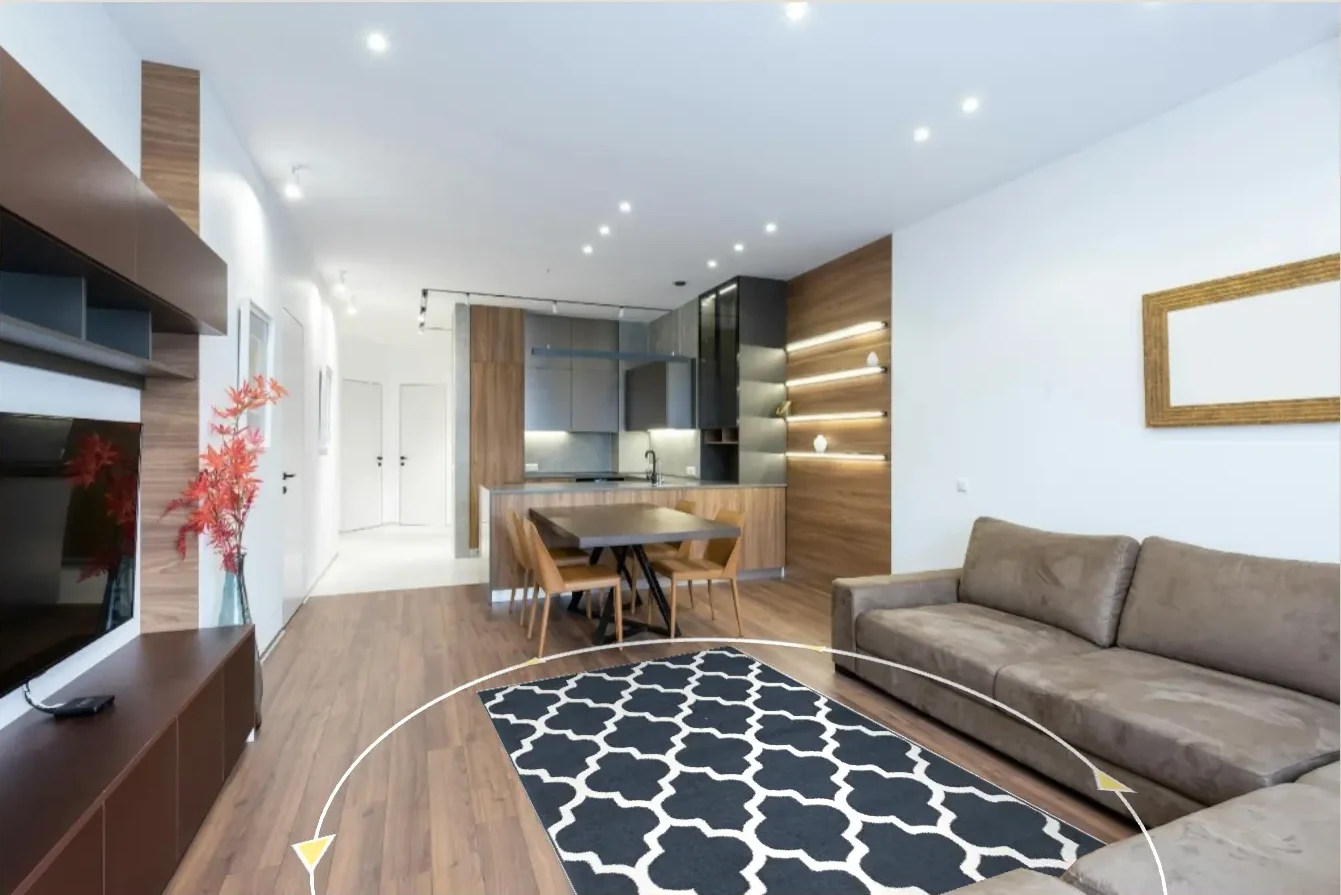
VisualizeInRoom helps retailers show products inside the actual room context instead of asking customers to imagine the result from a catalog photo. The workflow is simple, but the value comes from answering the right questions before purchase.

Connect the catalog

Connect the catalog

Map product imagery, size data, and the fields needed to render products correctly in the platform.

Capture room context

Capture room context

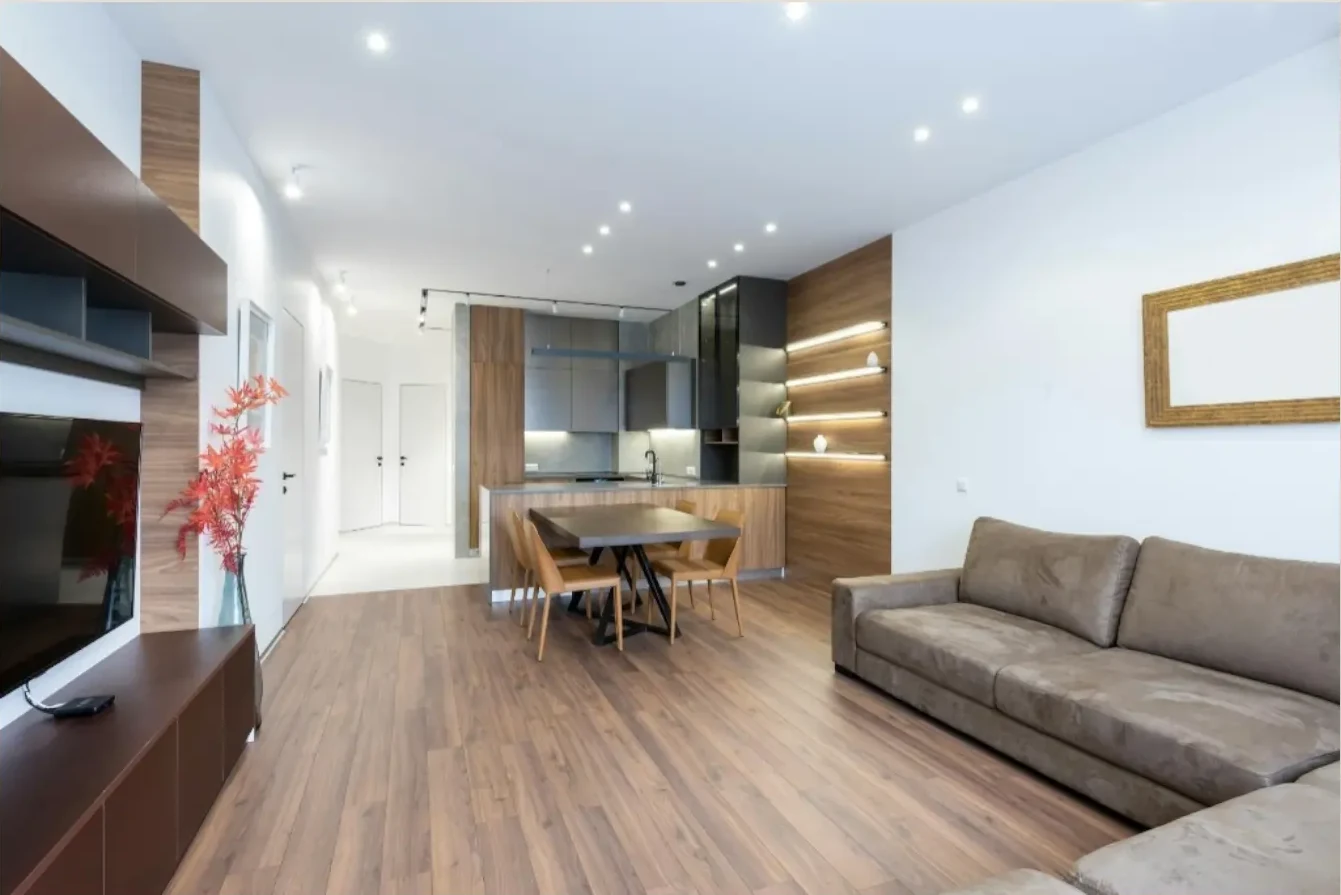
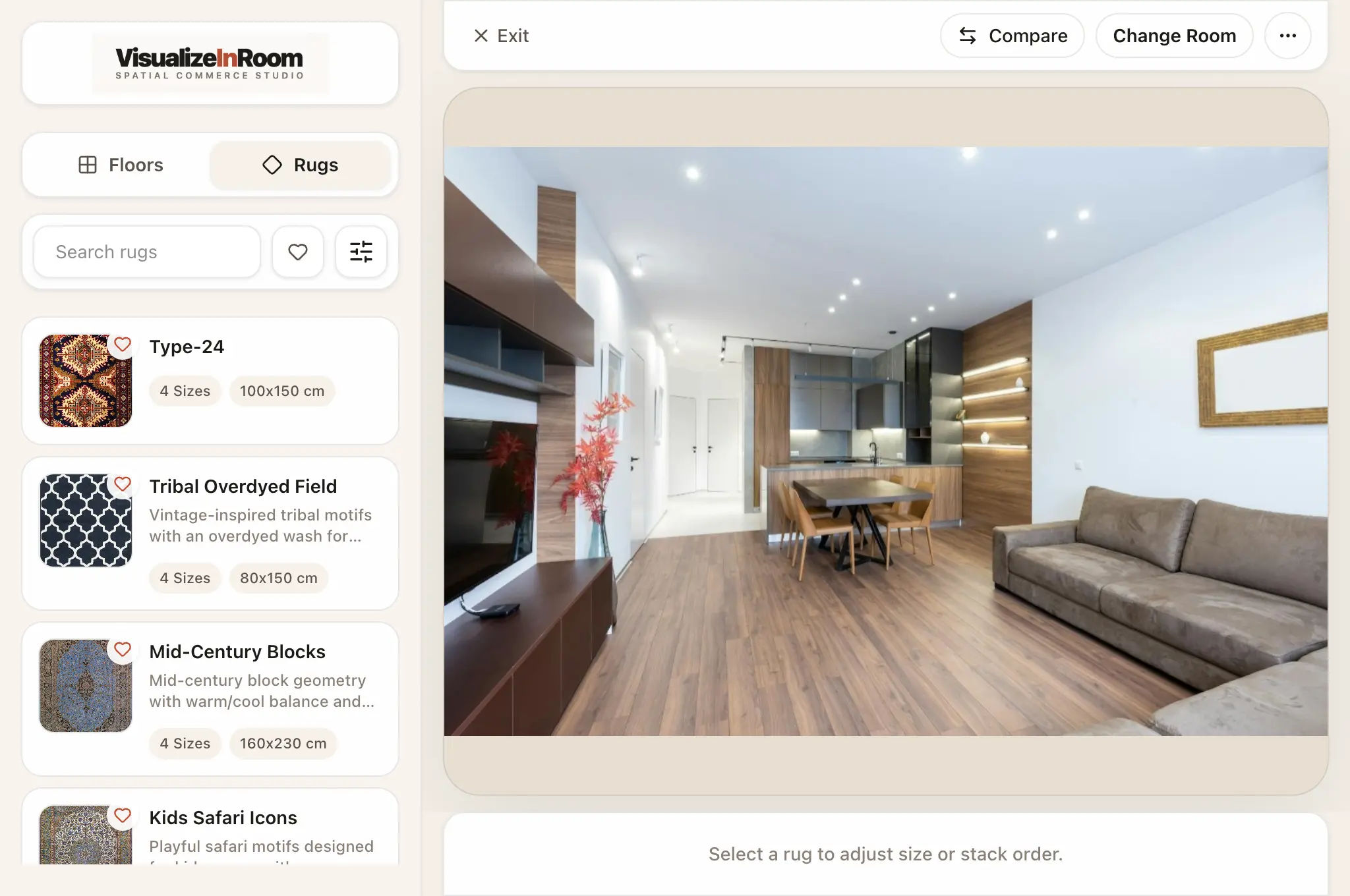
Shoppers upload a room photo or teams use prepared interior scenes when they need a guided selling workflow.

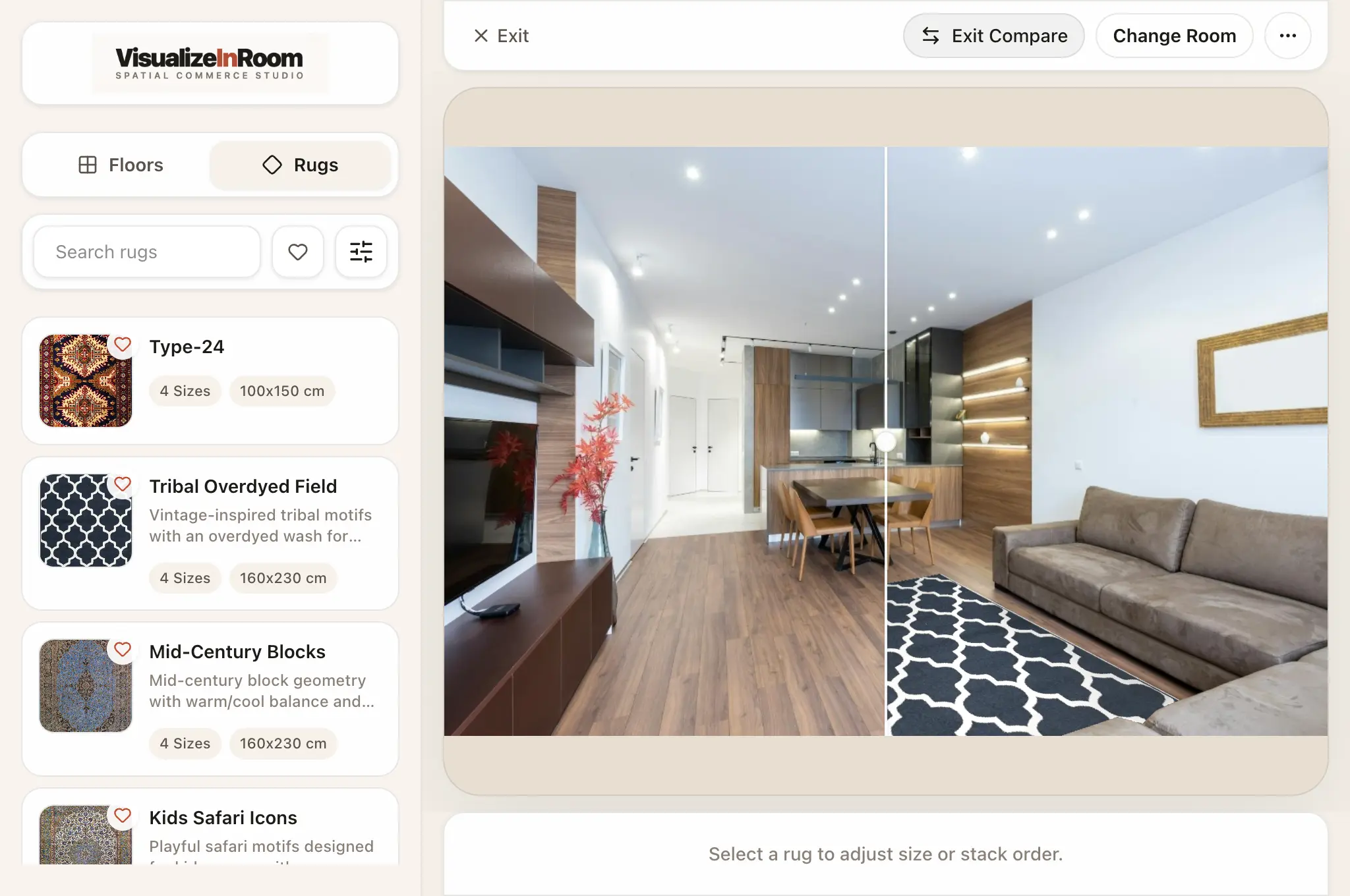
Visualize and compare

Visualize and compare

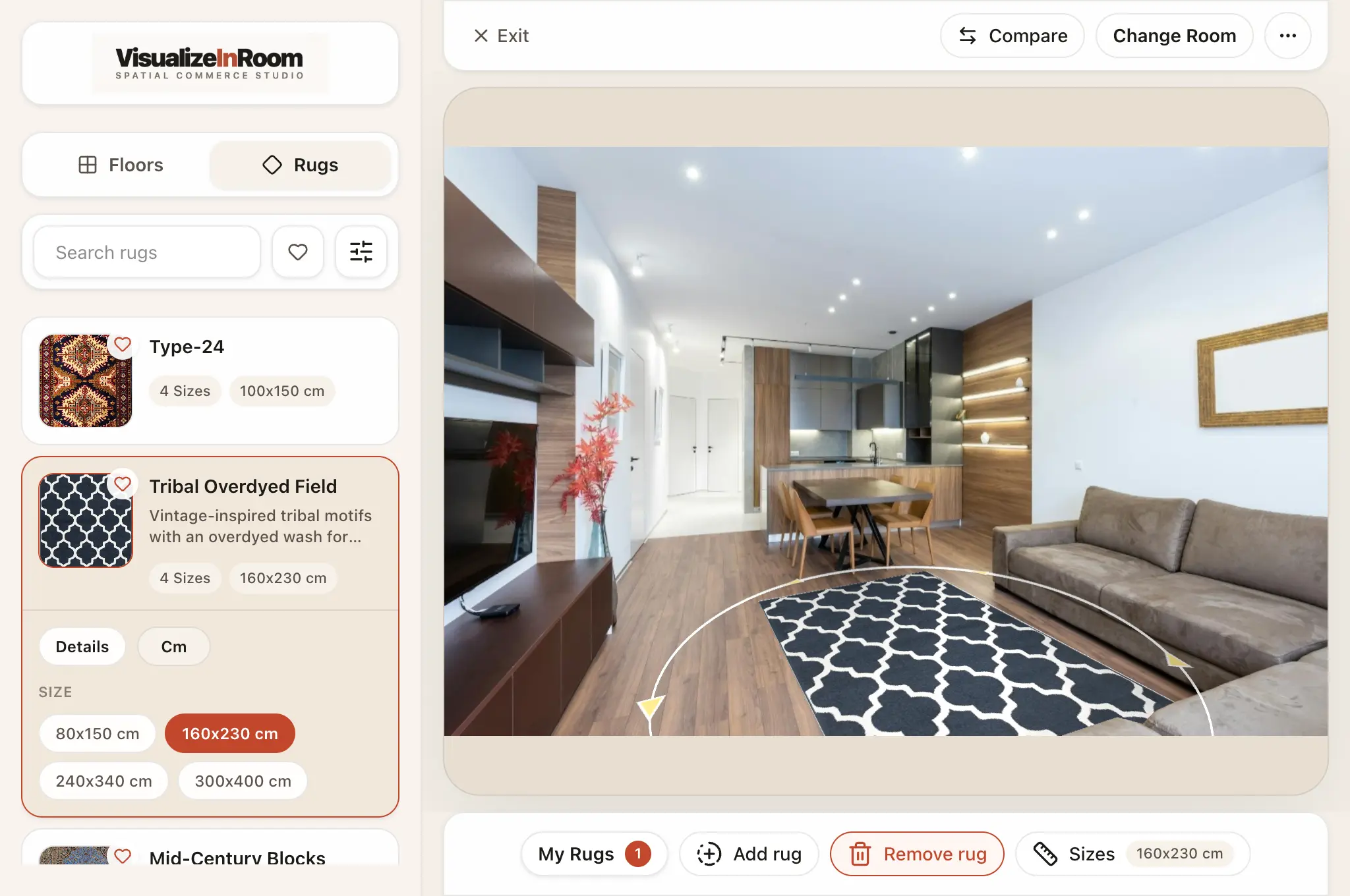
Products appear in context so the customer can judge scale, placement, finish, and fit inside the room itself.

Move to decision

Move to decision

The preview shortens the gap between browsing and buying by answering the questions static product photos leave open.

Why the flow works

The important part is not the render. It is the decision the render supports.

Good visualization is not about showing off rendering quality. It is about replacing the weakest part of ecommerce for visual categories: the customer guessing how the product will actually live in the room.

Better for shoppers

Room upload and real-scale preview make product evaluation easier to understand and easier to trust.

Better for teams

Merchandising and sales teams get a clearer tool for assisted selling, product explanation, and rollout consistency.

Better for decisions

The product works when it reduces uncertainty around size, fit, placement, and finish before checkout.

Book demo

If the workflow looks right, the next step is to review how it fits your catalog and sales process.

The useful demo is about your products, room-scene inputs, deployment path, and which team owns the rollout once the platform is live.