
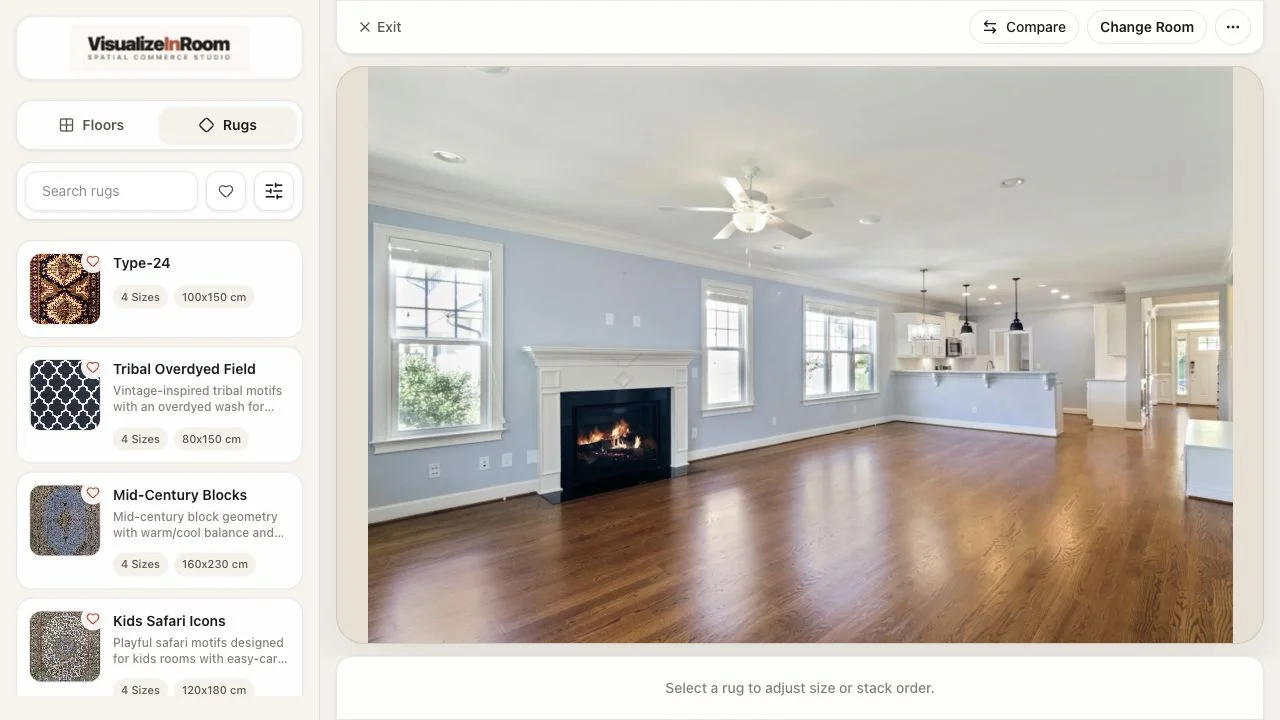
Upload a real room photo
The shopper or sales rep starts from an actual room, so the conversation begins with context instead of guesswork.

Rug visualizer for retailers
This solution is built for retailers that need product-page visualization, assisted selling, and showroom previews around one rug catalog. The goal is not novelty. The goal is helping buyers decide with less uncertainty.
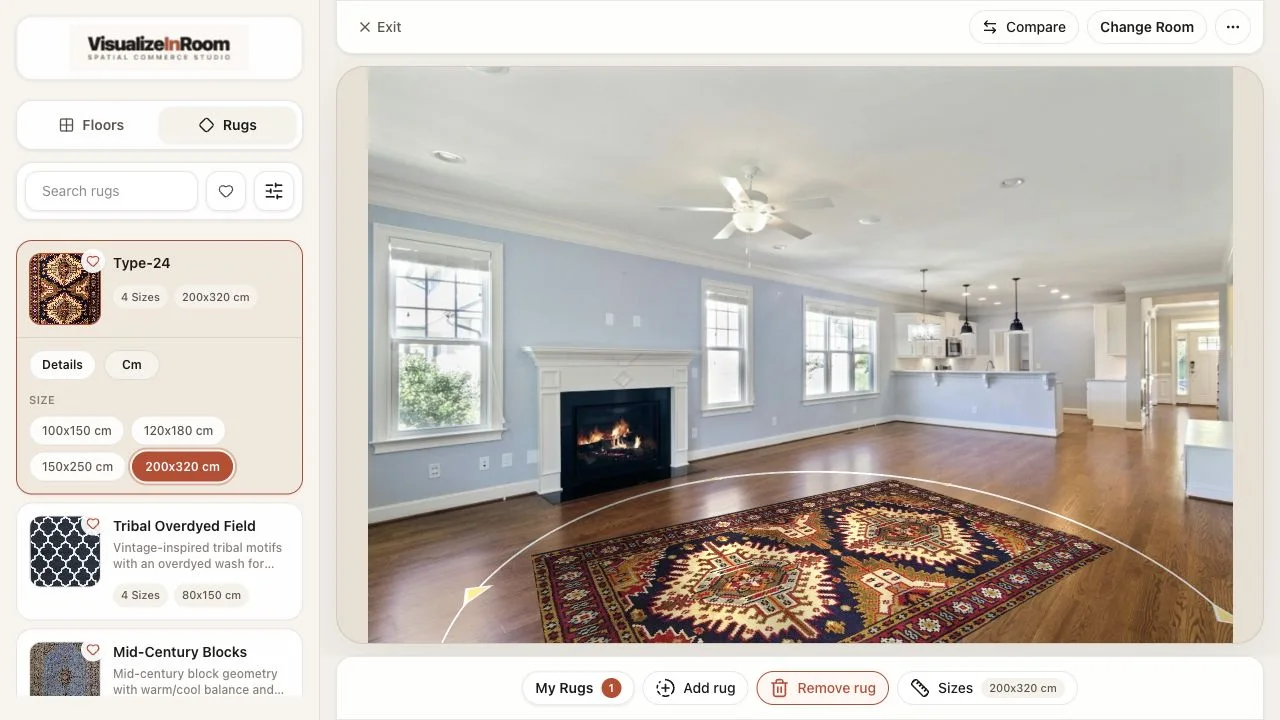
Studio preview
Select rugs, adjust size, and review placement in the same room context.
Best fit
Retailers that sell rugs online and need a cleaner answer to size, placement, and style hesitation before checkout.
Operational focus
Strong rollouts begin with room-ready imagery, clean dimension data, and a publishing workflow for new SKUs.
Where it gets used
Product detail pages, guided sales conversations, remote consultations, and showroom kiosk setups.
Workflow proof
The shopper or sales rep starts from an actual room, so the conversation begins with context instead of guesswork.
Catalog dimensions and placement controls keep rug size and positioning readable enough for a real buying decision.
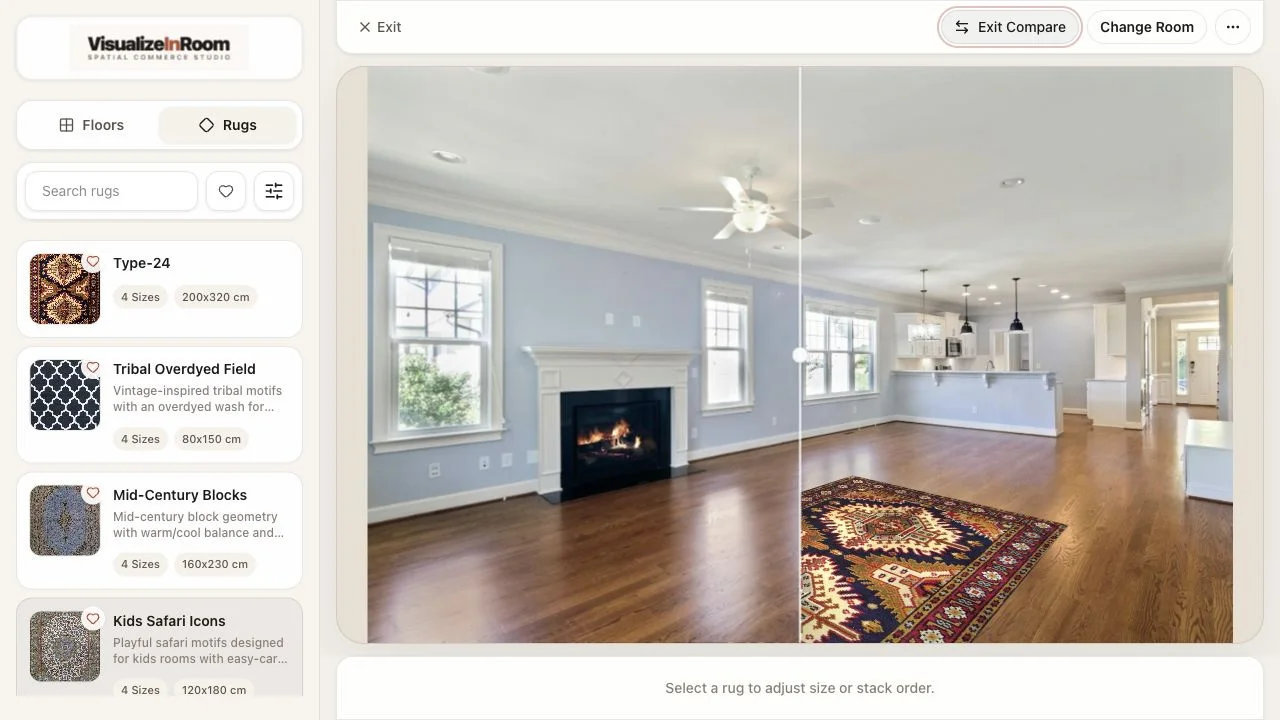
Switch products, colors, or sizes in the same room view so the buyer can move toward a decision faster.
Why retailers deploy it
Buyers move faster when placement, size, and room context stay together while they compare rugs.
Rollout focus: start with a prioritized rug group, clean dimensions, and a clear PDP or showroom path.
Scale check
See the rug under furniture before checkout.
Placement control
Move, rotate, and compare inside one room.
Pilot focus
Launch with clean dimensions and a focused SKU slice.
Book demo
We will review your rug catalog, which products should launch first, how the experience fits your PDPs or showroom flow, and what merchandising data the rollout needs.