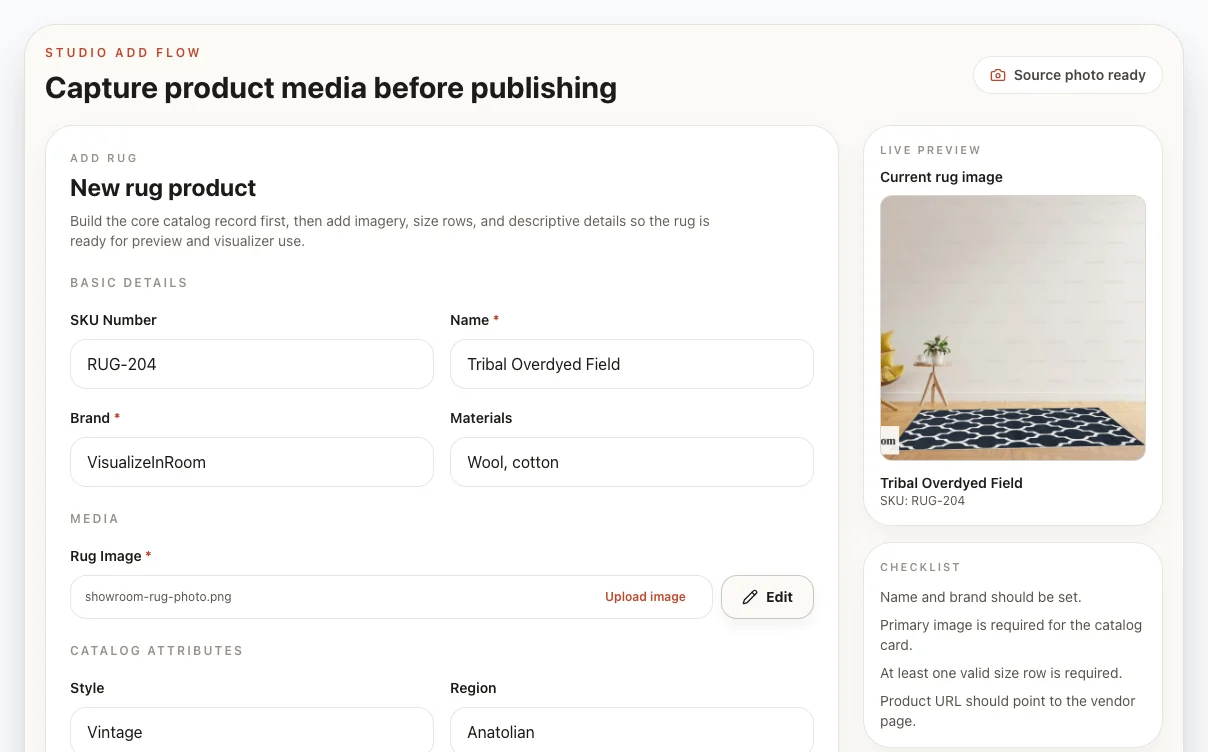
Capture product photo
Start with a usable showroom, warehouse, or receiving-area photo inside the same product add flow.

Studio tools
Turn practical phone photos into cleaner catalog assets. Crop, rotate, flatten, and prepare rug or floor images inside the Studio workflow before they reach the visualizer.
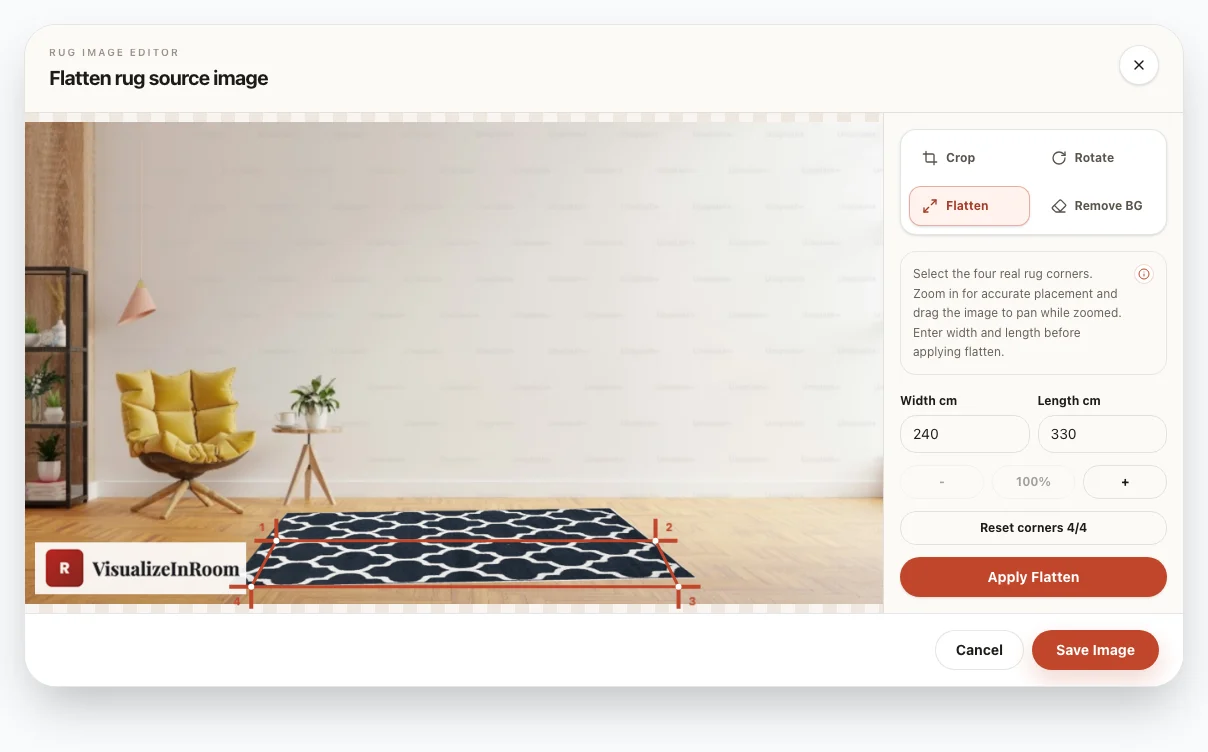
Best fit
Frequent product additions and usable phone photos.
Photo role
Keep professional shoots for hero campaign assets.
Goal
Prepare media inside the normal product add flow.
Workflow
Studio Tools handle the practical media work between receiving inventory and publishing a rug or floor.
Start with a usable showroom, warehouse, or receiving-area photo inside the same product add flow.
Use crop, rotate, and corner flattening controls to turn imperfect source images into cleaner product media.
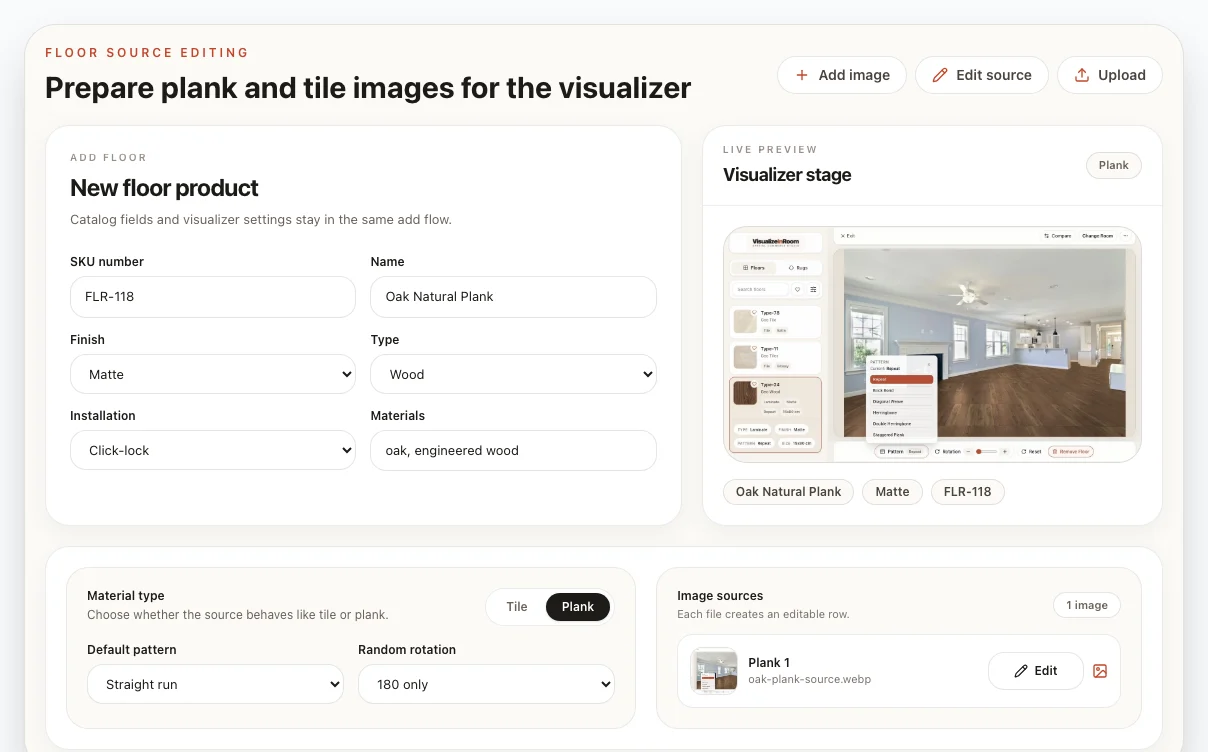
Prepare rug and floor sources with the settings needed before products move into catalog and room preview.
What it includes
A phone photo is rarely ready as-is. Studio Tools handles the cleanup steps that make product images easier to use in catalog cards, floor sources, and room previews.
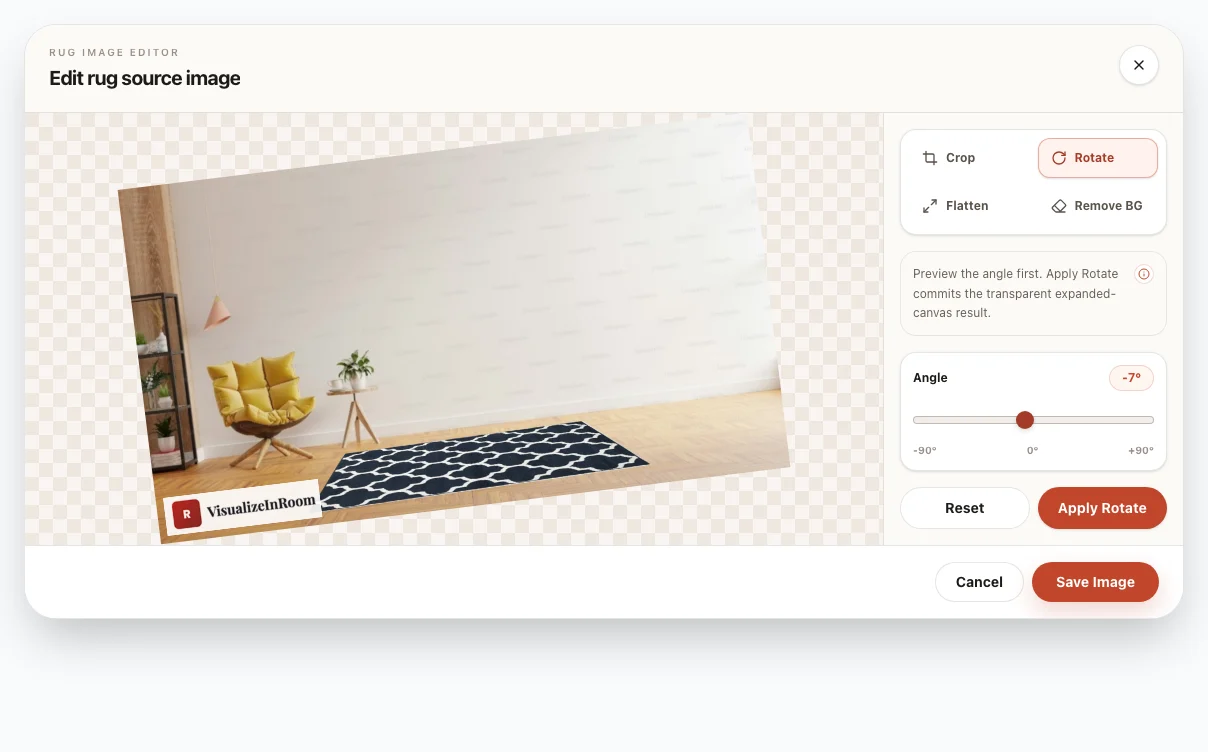
Fix framing, angle, and extra background before the file becomes a catalog image.
Select four product corners and flatten angled rug photos into cleaner source assets.
Prepare plank or tile image rows with material settings in the same floor add flow.
Use cleanup tools when the source image needs a cleaner product edge or transparent output.
Why it helps
Internal teams can prepare everyday product media while keeping the same upload path used by the catalog and visualizer.
Prepare routine catalog images in-house.
Add new rug and floor products faster.
Keep visualizer inputs more consistent.
Save professional shoots for campaign assets.
Book demo
Use a demo to review how your team captures product photos today, where image preparation slows down, and how Studio Tools can fit the rug or floor upload workflow.