Start with product uncertainty
If size, placement, or finish questions slow down online buying, start with the product module that removes those questions first.

Solutions
VisualizeInRoom is a multi-product platform. The useful question is not whether you need “a visualizer.” It is which product category or selling environment creates the most friction today, and where a demo should prove value first.
Platform first
One commercial story across multiple modules.
Core modules
These are the primary retailer-facing solution paths. Each one is positioned around a concrete buying or selling workflow rather than abstract feature lists.
Product module
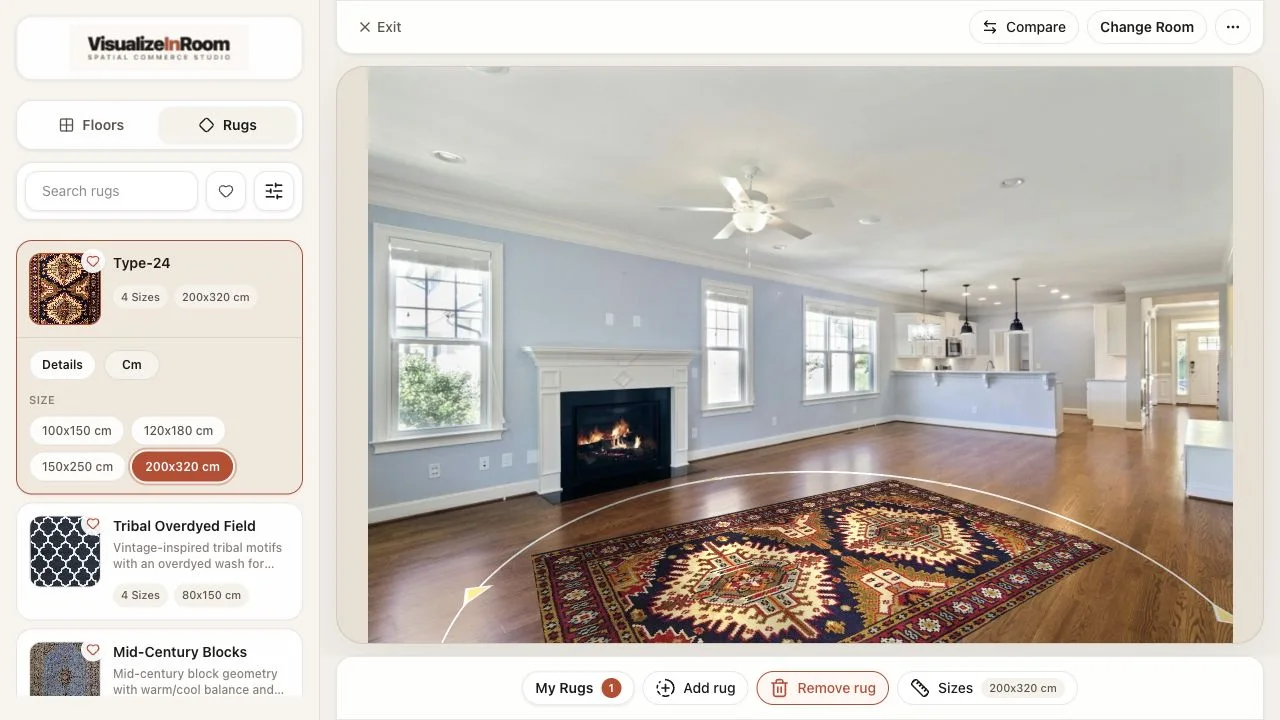
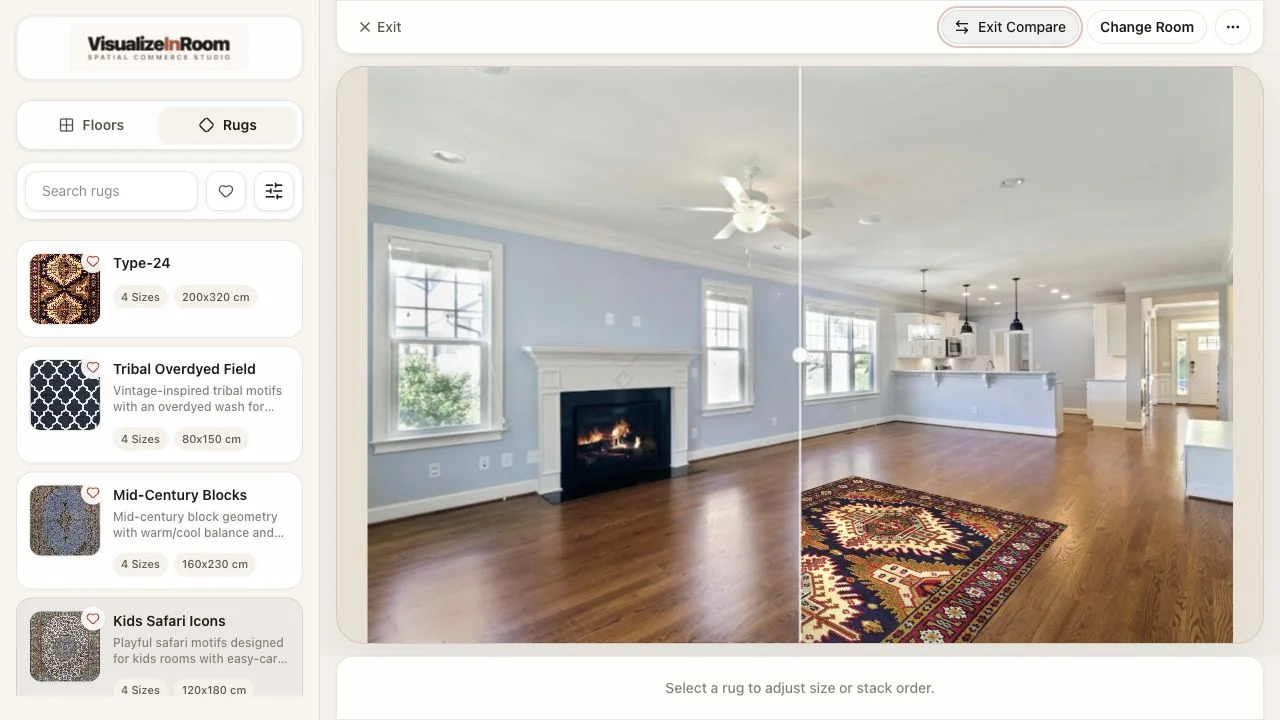
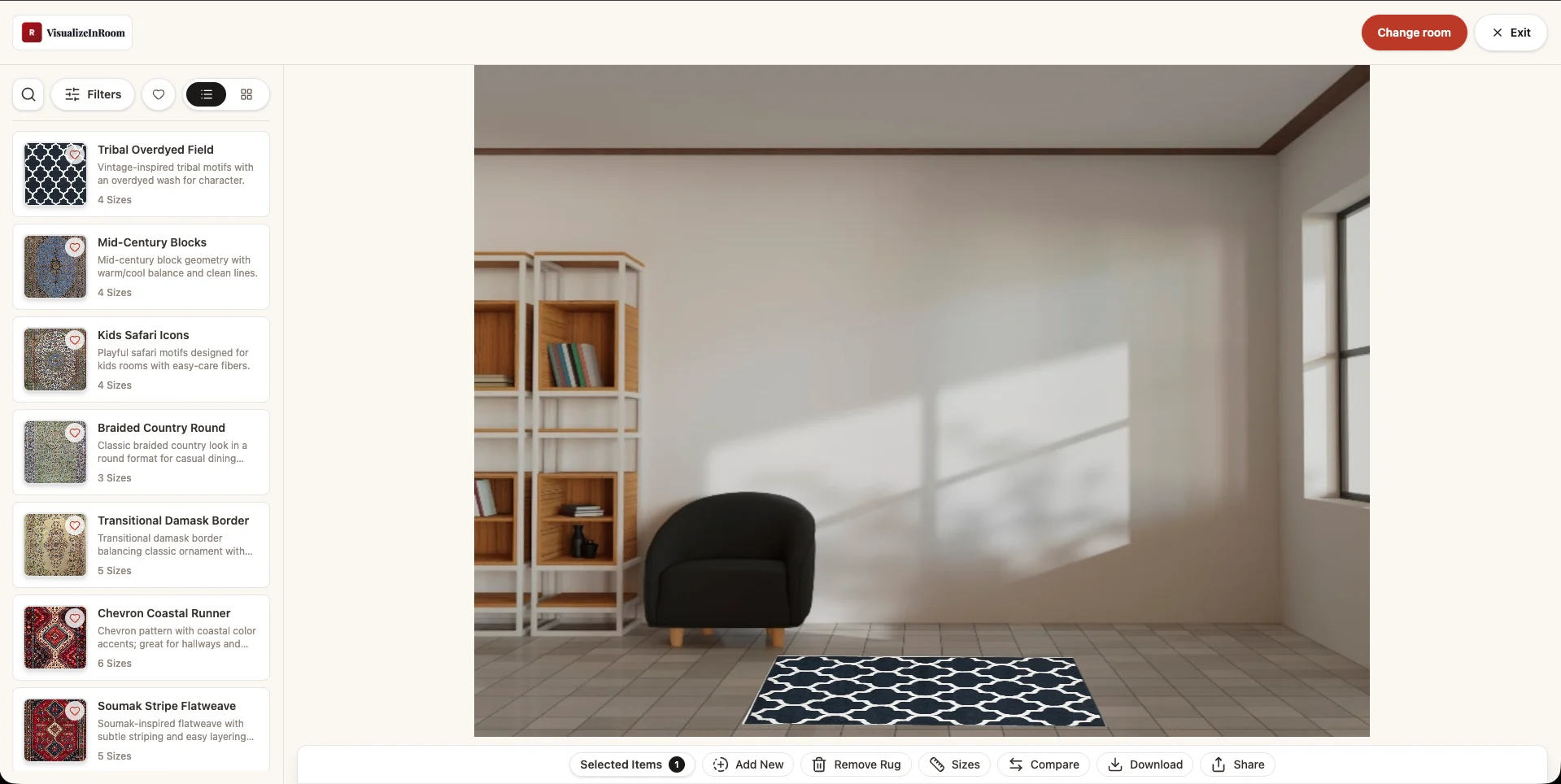
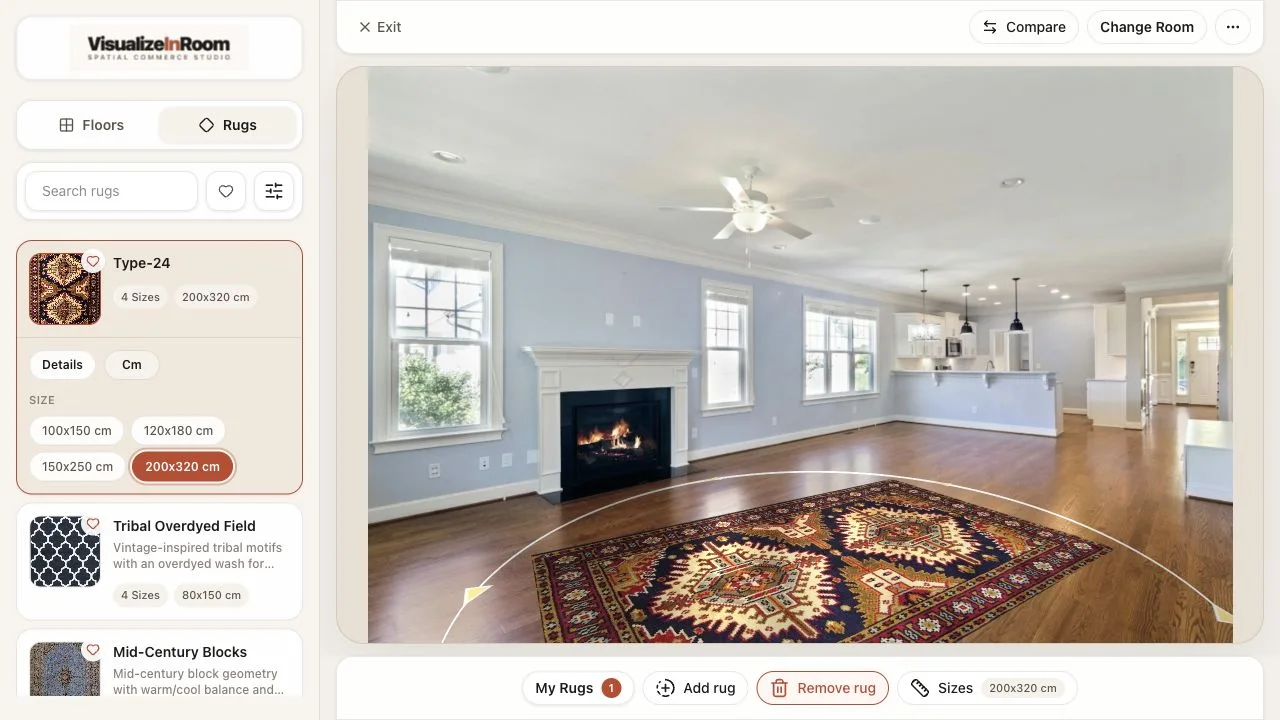
Help shoppers preview rugs in their own room before they buy.
Product module
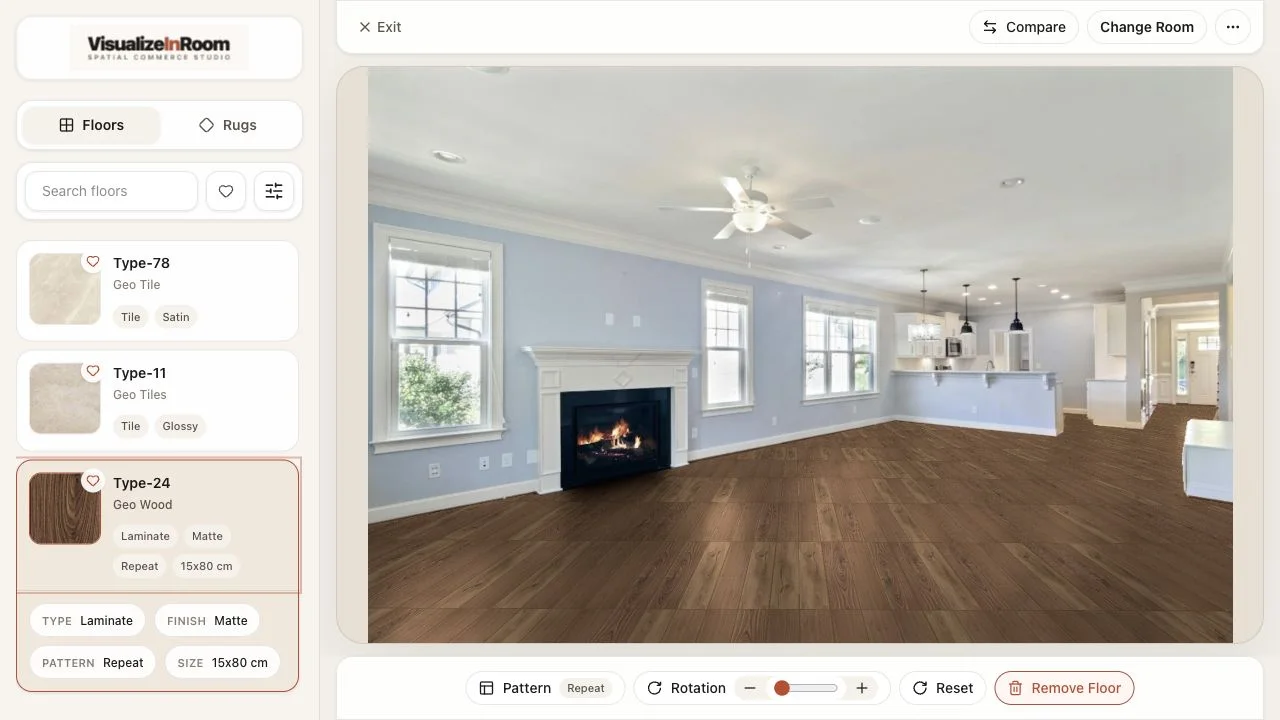
Compare flooring finishes, layout direction, and room impact in context.
Selling mode
Guide customers through a phone-to-screen showroom flow.
Catalog tool
Turn phone photos into catalog-ready rug and floor assets.
How to choose
Start with product uncertainty
If size, placement, or finish questions slow down online buying, start with the product module that removes those questions first.
Match the selling environment
If the sales motion is showroom-led or assisted, the kiosk and guided-selling paths usually matter more than a standalone PDP widget.
Plan the implementation layer
If you need a branded website, Studio connection, and rollout support together, position website delivery as the add-on around the platform modules.
Implementation add-on
Launch the branded website and implementation layer around the platform.
Explore website deliveryRoadmap
Furniture Roadmap
Early access conversations for future furniture workflows.
Book demo
A demo should answer which module to start with, where it fits in your current sales workflow, and what catalog or implementation work is required before rollout.